Unique Touch Merch
Celebrate in style with Unique Touch Merch. We create custom apparel, DTF transfers, event swag, personalized gifts, and branded merchandise packages for corporate events, family reunions, graduations, travel groups, weddings, retreats, team celebrations, and milestone moments. From custom T-shirts and lanyards to water bottles, tote bags, welcome kits, and Party in a Box bundles, our merch helps your guests wear, share, and remember the experience.
Create Custom Merch in 3 Simple Steps
A simple ordering process for custom apparel, event swag, DTF transfers, group packages, and personalized gifts.
1
Choose Your Item
Select a T-shirt, hoodie, sweatshirt, tote, hat, tumbler, lanyard, water bottle, DTF transfer, or group swag item.
2
Upload or Select
Upload your logo or artwork, or choose from our pre-designed graphics for travel groups, reunions, graduations, weddings, and corporate events.
3
Approve & Print
Confirm sizes, colors, quantities, and design details. We send a proof before production so your custom merch feels polished and professional.
Choose the Ordering Path That Fits Your Need
Whether you already have artwork, need a pre-designed graphic, or want a full group merch package, we make custom ordering simple.
Upload My Design
Best for logos, business brands, family reunion artwork, school groups, team graphics, and client-provided designs.
Accepted artwork: PNG, SVG, PDF, AI, EPS, or high-resolution files.
Upload ArtworkChoose a Design
Select from pre-designed graphics for travel groups, graduations, family reunions, birthdays, weddings, corporate teams, and milestone celebrations.
Great for: clients who want a stylish design without starting from scratch.
Browse Design HelpShop Group Packages
Bundle shirts, lanyards, water bottles, tote bags, notebooks, badge holders, gifts, and event swag into one easy package.
Perfect for: corporate events, reunions, retreats, graduations, weddings, and travel groups.
View PackagesCustom Merch Packages & Event Swag Bundles
Make ordering easy with curated merch kits for companies, travel groups, reunions, graduations, weddings, retreats, and celebrations. Choose a package below or request a custom bundle based on your group size, colors, theme, logo, and budget.
Corporate Swag Package
Starting at $750
Best for: trainings, conferences, employee appreciation, team events, vendor fairs, and branded experiences.
- Custom company T-shirts or polos
- Logo lanyards or badge holders
- Branded tote bag or drawstring bag
- Water bottle, tumbler, or mug option
- Notebook, pen, or welcome card
Travel Group Package
Starting at $500
Best for: destination birthdays, cruises, retreats, family trips, wedding weekends, and group getaways.
- Custom group travel T-shirt
- Lanyard or luggage tag
- Reusable water bottle or tumbler
- Travel pouch or tote bag option
- Group name, destination, and date customization
Family Reunion Package
Starting at $650
Best for: family reunions, cookouts, cruises, heritage weekends, and multi-day celebrations.
- Matching family reunion T-shirts
- Family name, year, and city design
- Tote bag, fan, or cup add-ons
- Name badge or lanyard option
- Optional family itinerary insert
Graduation Celebration Package
Starting at $350
Best for: senior celebrations, grad parties, family shirts, school pride, and class send-offs.
- Graduate T-shirt or hoodie
- Family celebration shirts
- Custom stole, sash, or fan option
- Photo props or party favor add-ons
- School colors and name customization
Wedding & Bridal Party Package
Starting at $450
Best for: bridal parties, bachelorette trips, destination weddings, honeymoon send-offs, and wedding weekends.
- Bride, groom, and bridal party shirts
- Custom totes or travel pouches
- Drinkware or tumblers
- Welcome bag inserts
- Destination wedding group design
Party in a Box
Starting at $250
Best for: birthdays, showers, dorm celebrations, small events, office celebrations, and DIY hosts.
- Coordinated theme and color palette
- Custom shirts, favors, or keepsakes
- Table décor or party essentials
- Optional signage or welcome card
- Easy pickup or shipping options
Appreciation Gift Package
Starting at $300
Best for: staff appreciation, volunteer gifts, speaker gifts, retreats, birthdays, and thank-you moments.
- Custom mug, tumbler, or bottle
- Inspirational shirt or tote
- Notebook, pen, or card insert
- Personalized packaging option
- Bulk gifting available
Workshop & Training Kit
Starting at $600
Best for: instructor labs, leadership retreats, training cohorts, conferences, and professional development programs.
- Branded bag or folder
- Lanyard and name badge option
- Notebook, pen, mug, or bottle
- Custom shirt or polo option
- Prize or recognition item add-ons
Memory & Keepsake Package
Starting at $400
Best for: memorials, family legacy gifts, anniversaries, retirement gifts, and meaningful keepsakes.
- Tribute shirts or memory apparel
- Personalized blankets or keepsakes
- Photo-inspired designs
- Custom tote, mug, or card option
- Family ordering options available
How Custom Merch Ordering Works
Tell Us Your Group
Share your event type, quantity, deadline, colors, sizes, and vision.
Choose Your Items
Select shirts, hoodies, bags, lanyards, bottles, mugs, gifts, or event swag.
Approve the Design
We prepare your custom layout, proof, or logo placement for approval.
Pick Up or Ship
Your order is produced, packaged, and prepared for pickup, delivery, or shipping.
Custom Merch Catalog & Blank Apparel
Browse Our Exclusive Collection of Tees, Hoodies, and Accessories that make a statement.
DTF Transfers
👕 EVERYDAY & LIFESTYLE
- Everyday Sayings
- Funny & Sarcastic
- Family & Relationships
- Love & Couples
- Motivation & Affirmations
🎓 EVENTS & MILESTONES
Birthdays
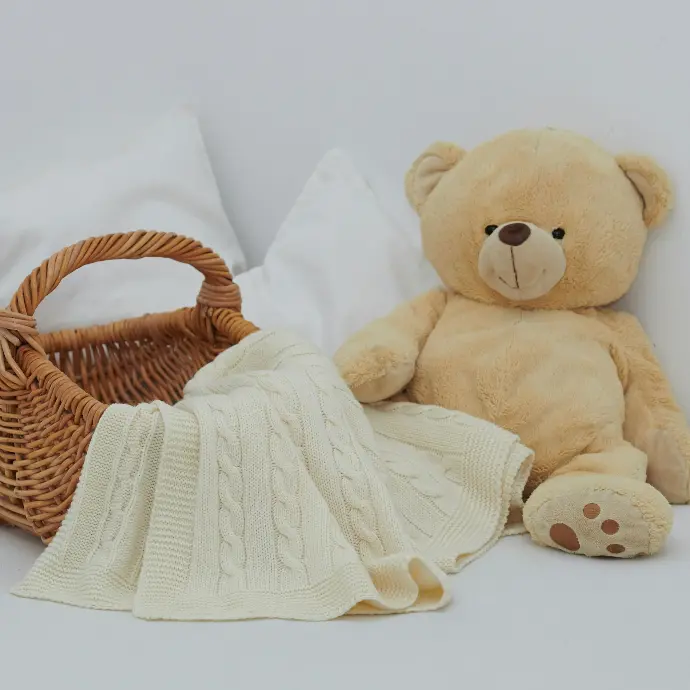
Baby Shower & Kids
Graduation
Bridal & Wedding
Memorial / Tribute
Travel
🏀 SPORTS & ACTIVITIES
Sports Sayings
Team Spirit (Generic / Non-Licensed)
Fitness & Gym
Dance, Cheer & Performance
🎮 POP CULTURE & FUN
Gaming
Music & DJ
Movies & TV-Inspired (Non-Licensed)
Retro / Y2K Anime-Inspired (Original Art Only)
👧🏽👦🏽 KIDS & YOUTH
Youth Sayings
Teen Streetwear
School & Clubs
Sports Youth Designs

👔 BUSINESS & BRANDING
Small Business Sayings
Boss & Entrepreneur
Workwear & Uniform Ready
Logo-Friendly Layouts
🎨 DESIGN STYLE (SHOP BY LOOK)
- Streetwear / Graffiti
- Minimal / Clean
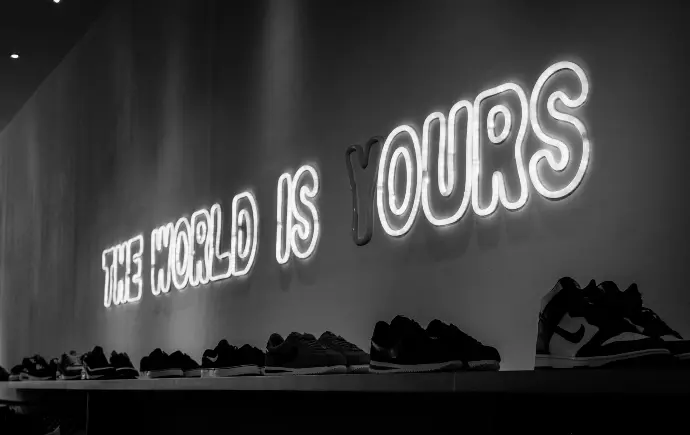
- Text Bold Typography
- Floral & Soft Aesthetic
- Vintage / Distressed
🖤 CULTURE & IDENTITY
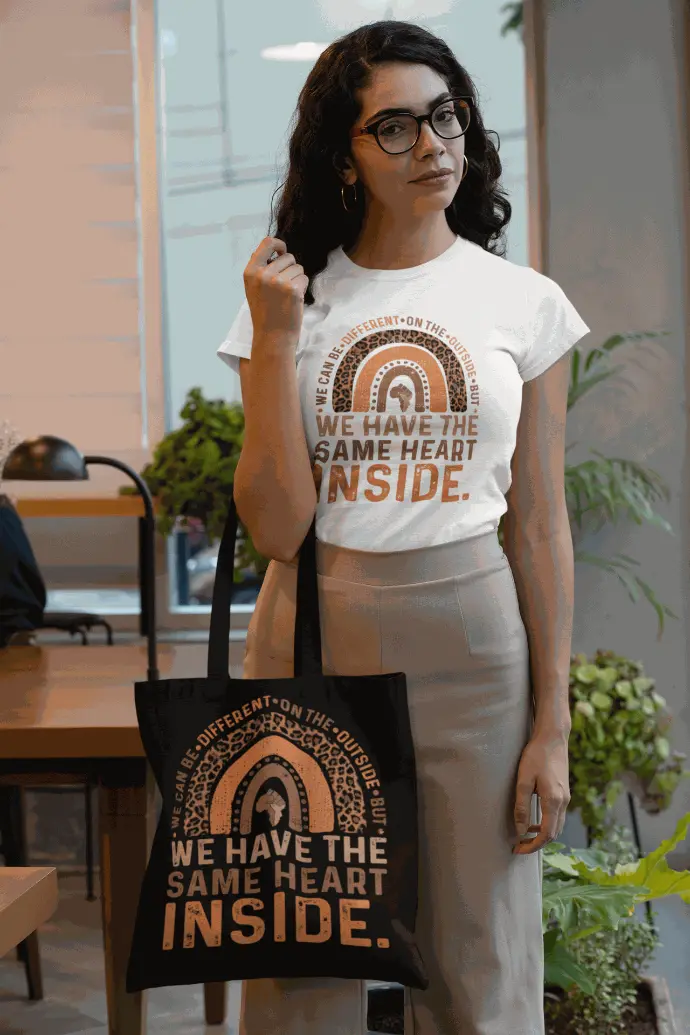
- Culture-Inspired Sayings
- Empowerment Community
- Pride & Heritage
🔥 FEATURED / SHOP BY STYLE
Best Sellers
New Releases
Trending Now
Limited Edition
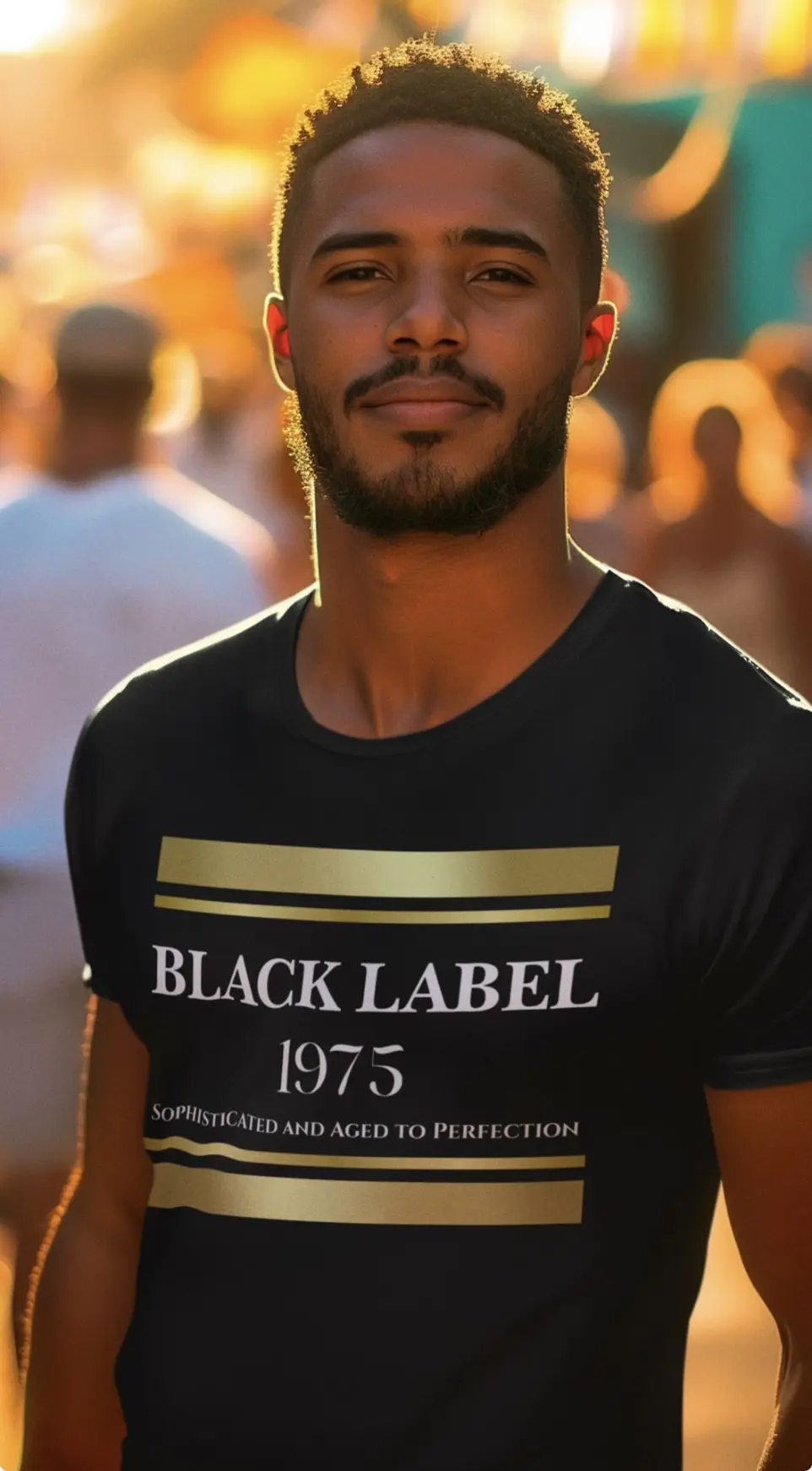
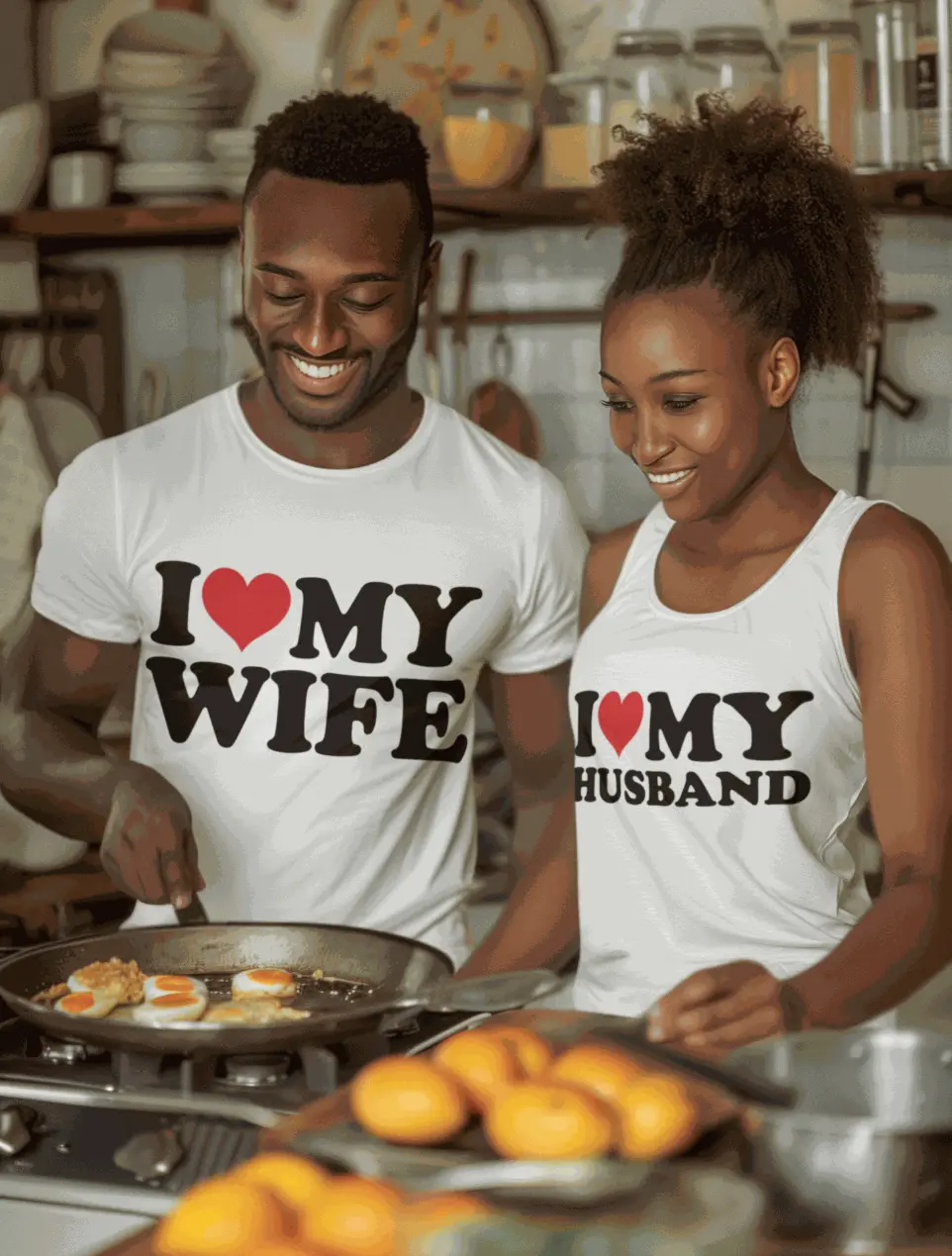
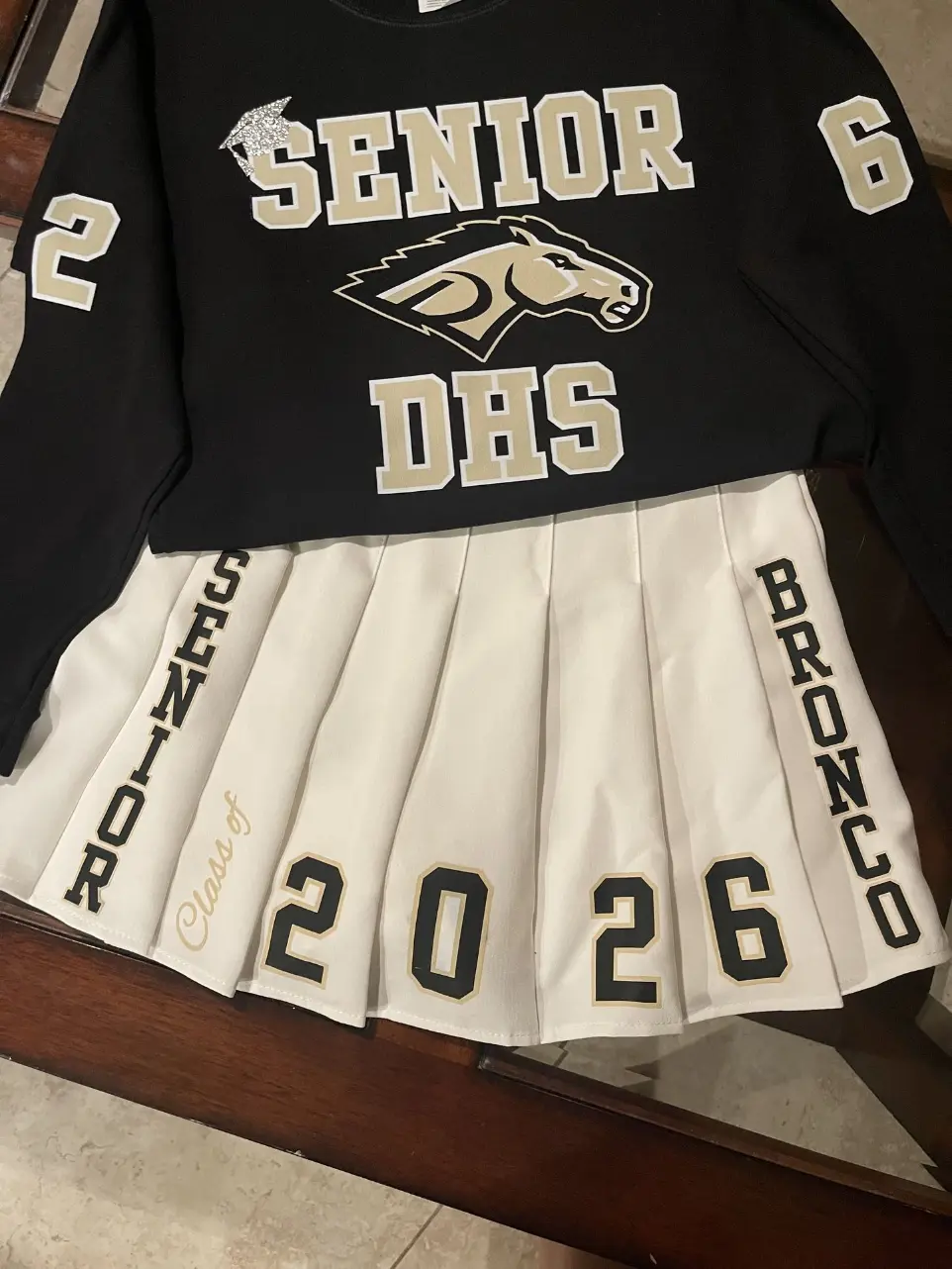
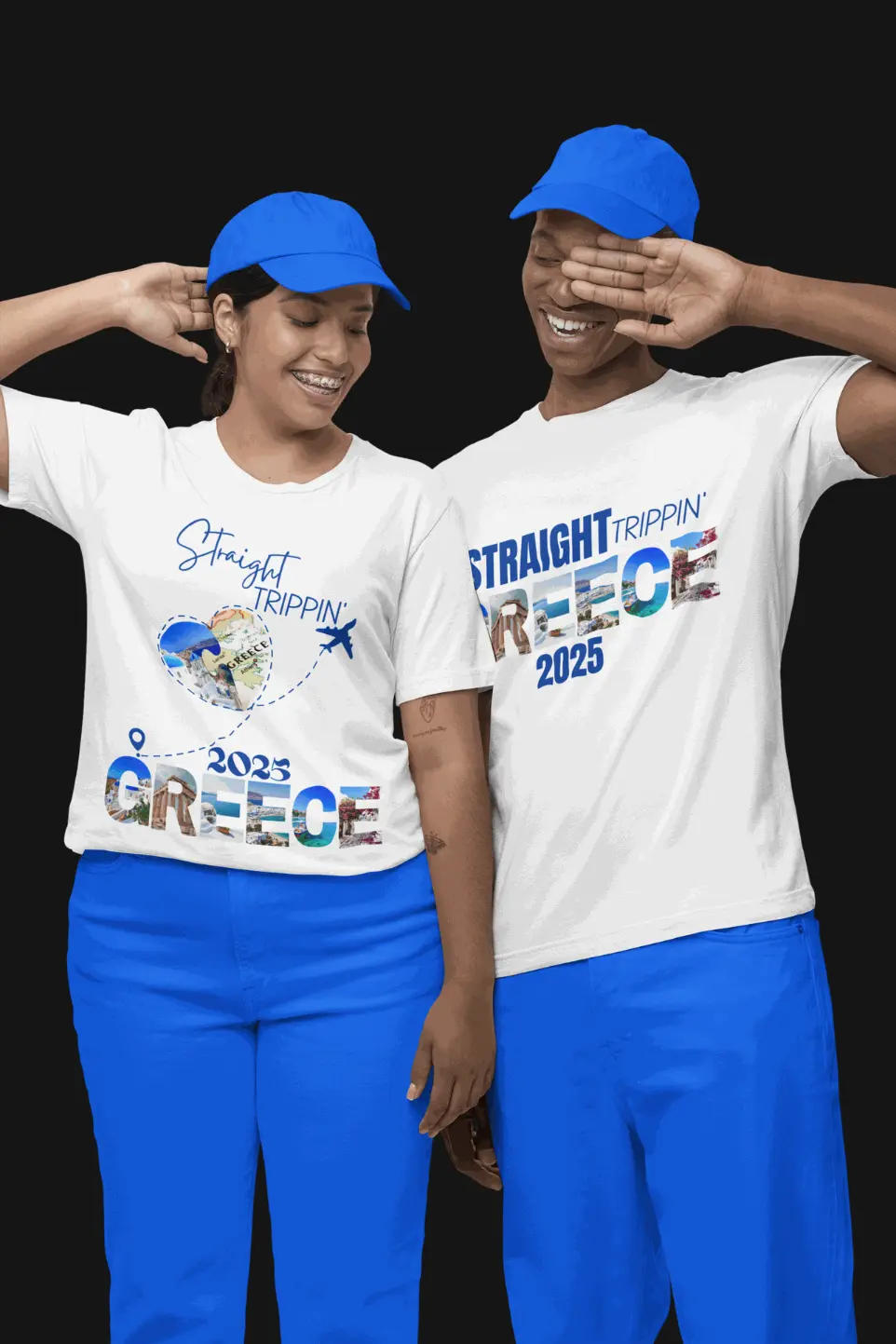
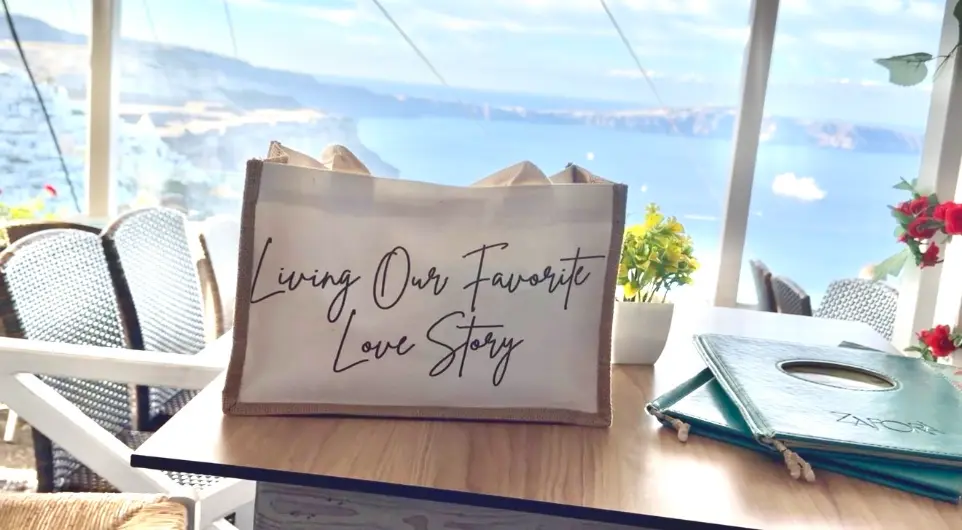
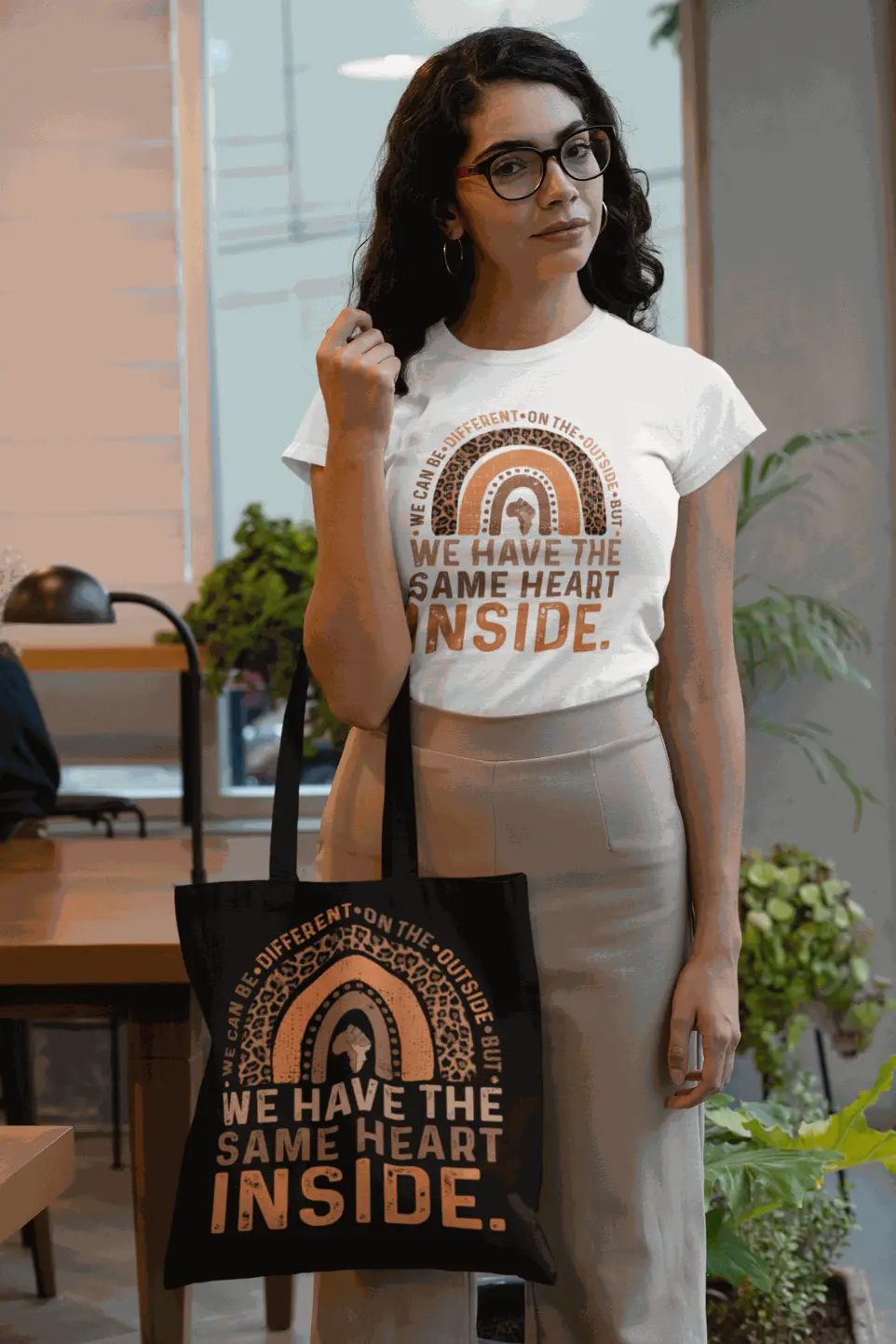
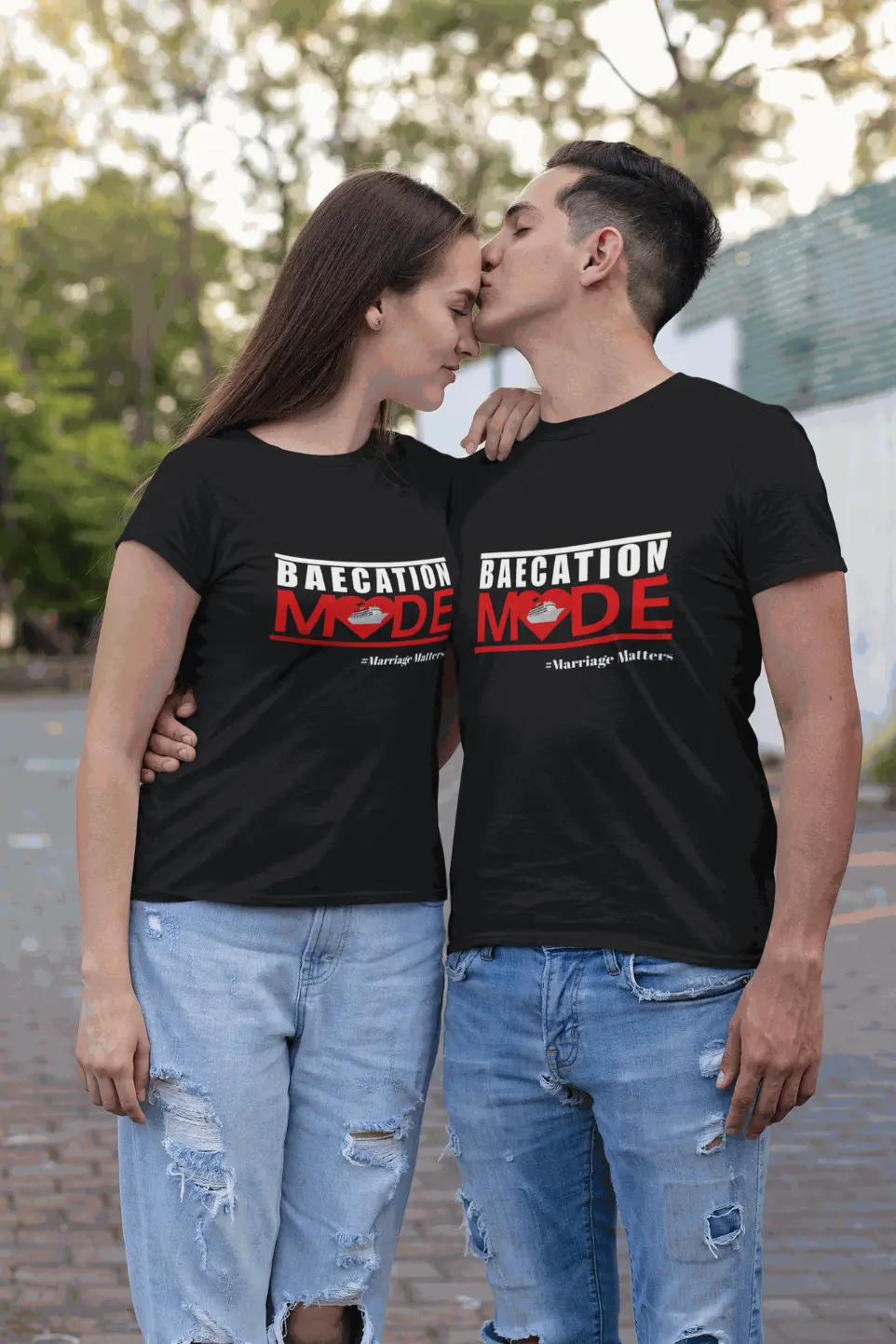
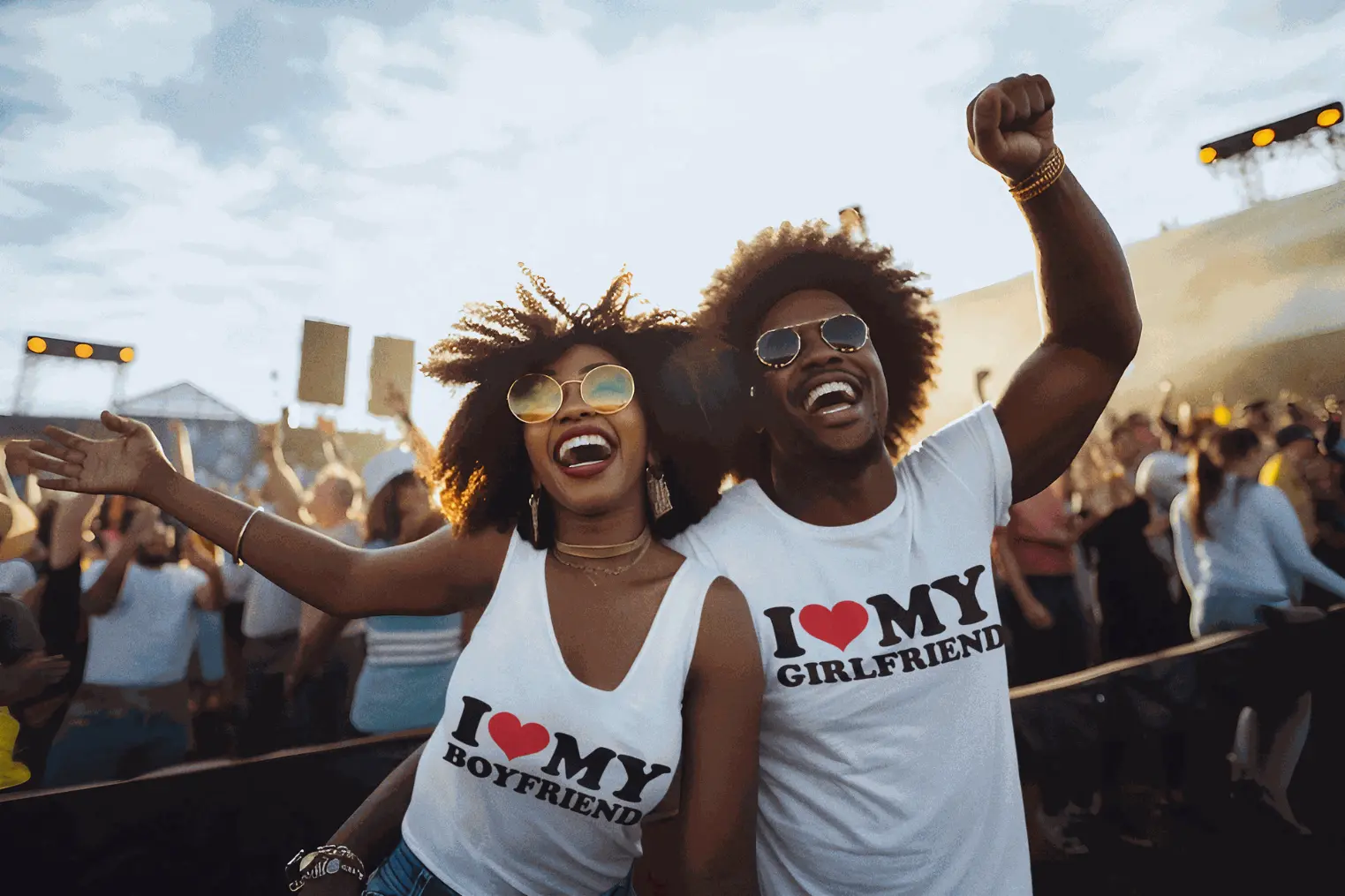
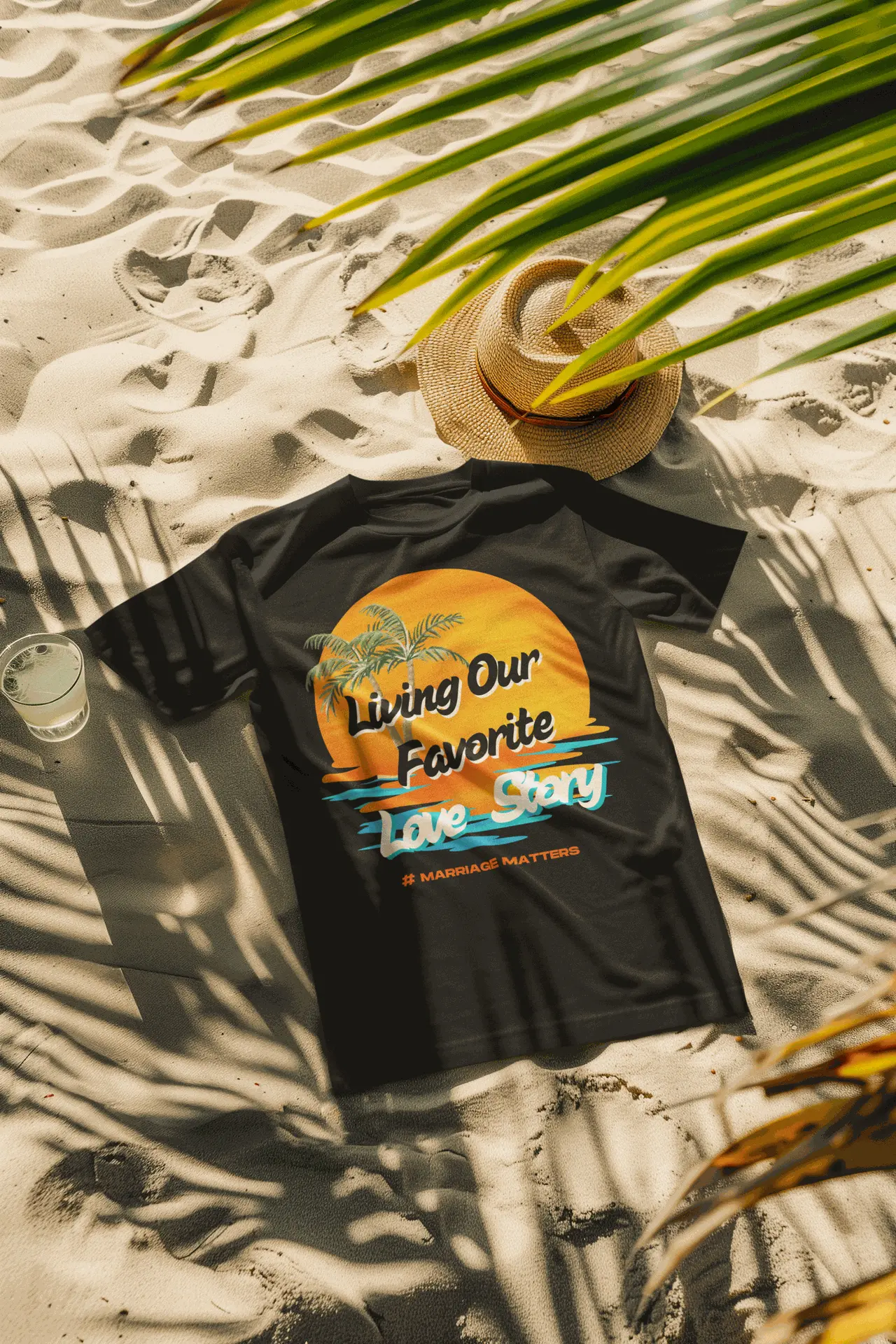
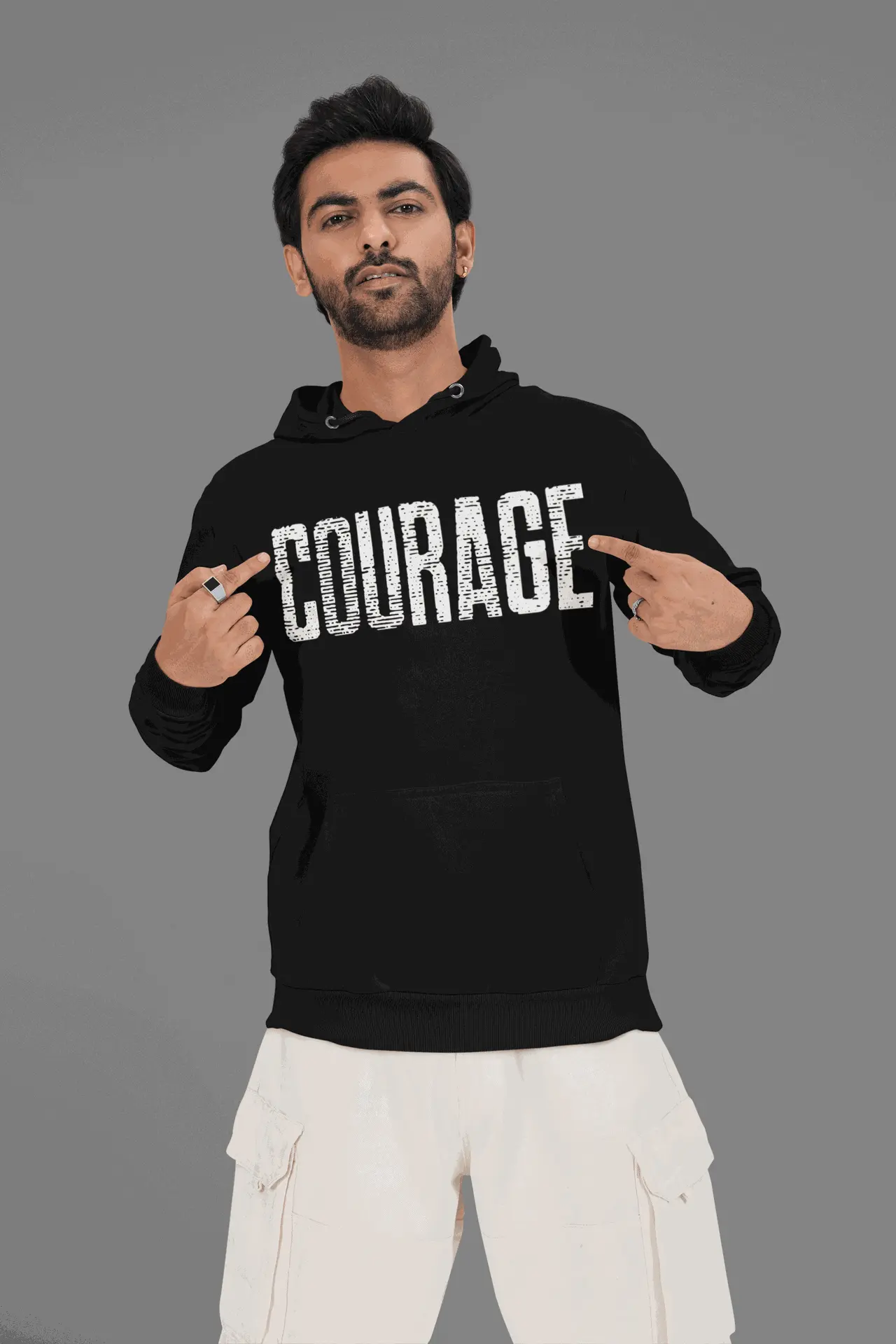
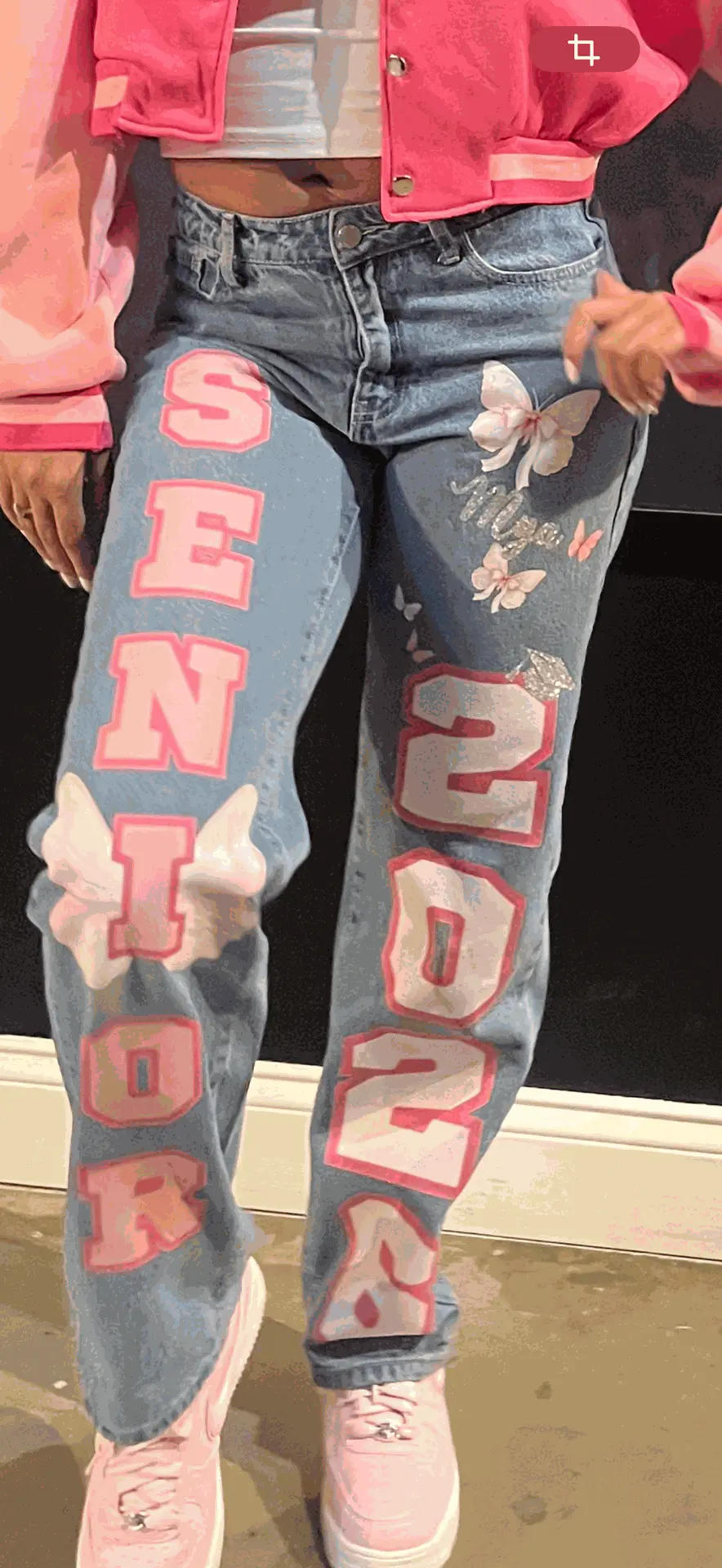
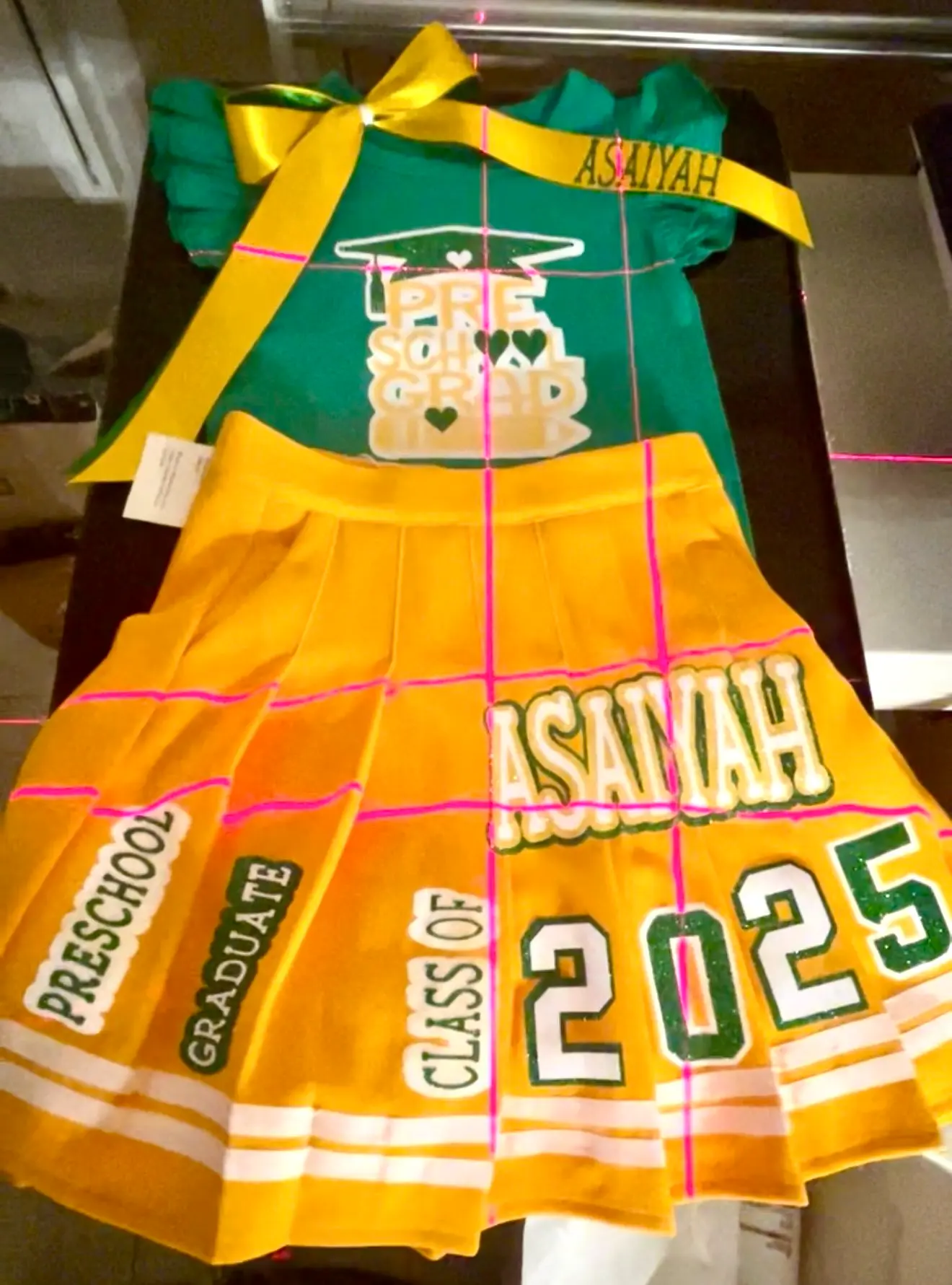
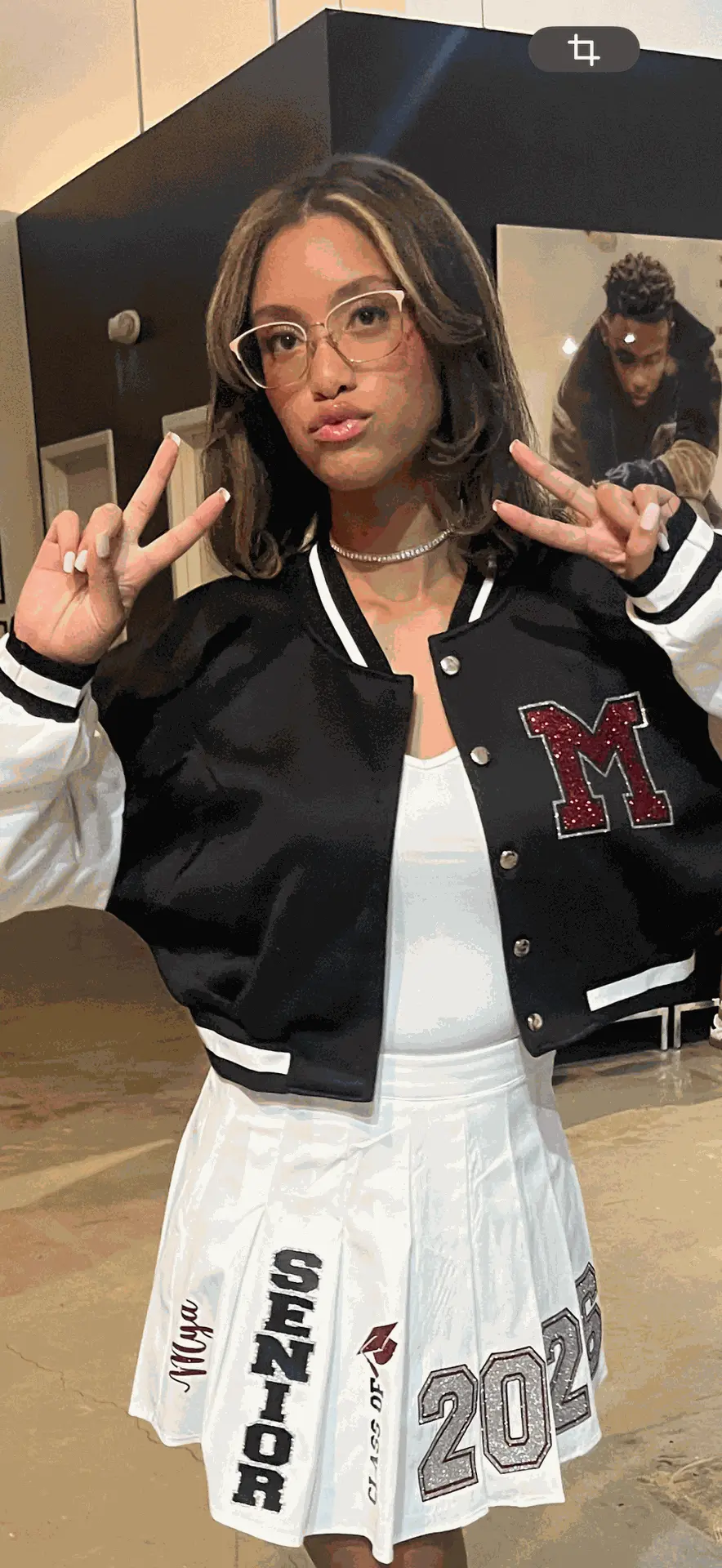
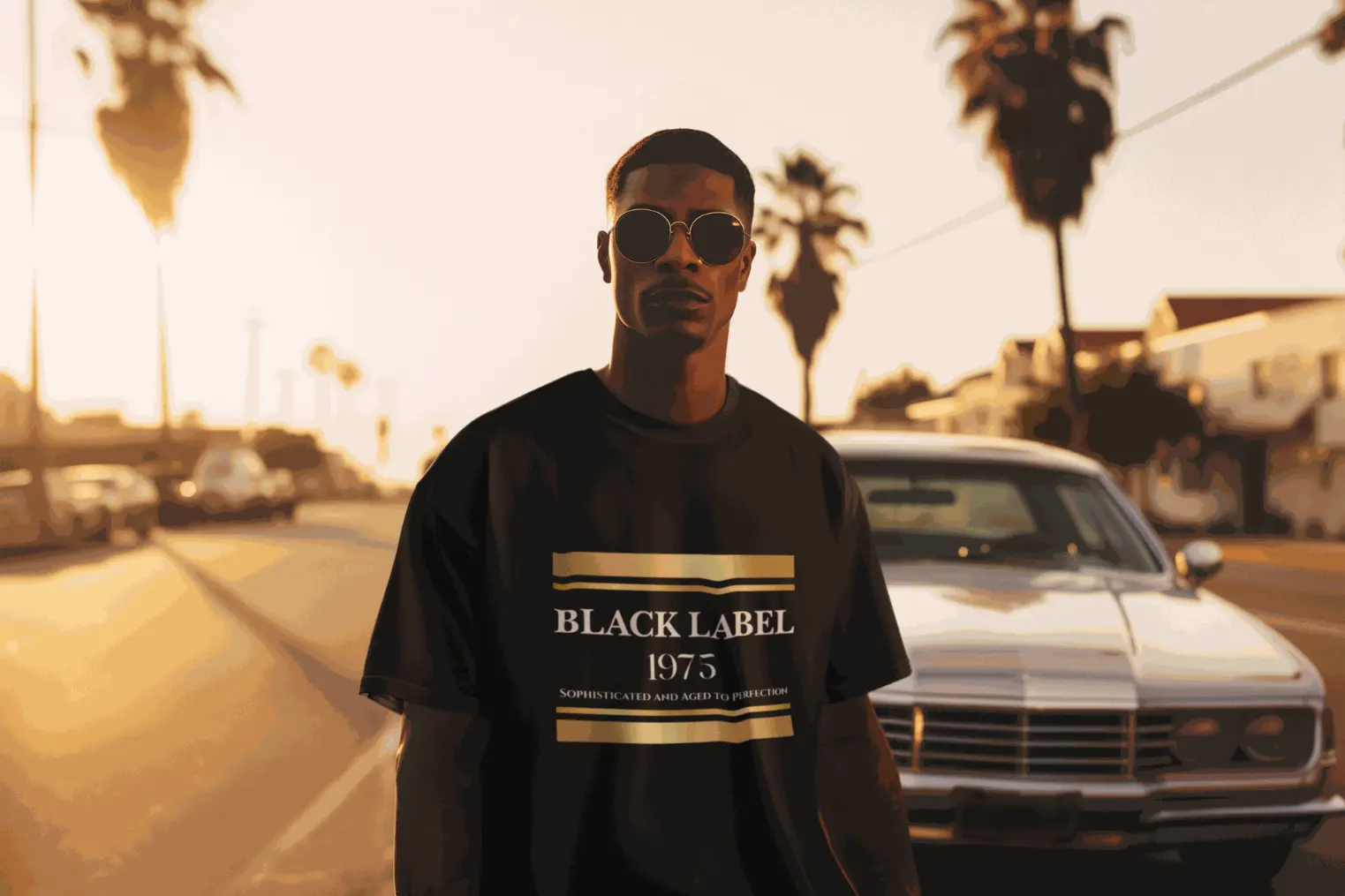
✨ DTF HEAT PRESSING INSTRUCTIONS ✨
Please read before pressing
WHAT YOU’LL NEED
Heat Press or Household Iron
Firm, flat surface
Parchment paper or Teflon sheet
Garment (cotton, poly, or blend)
🔥 OPTION 1: HEAT PRESS (RECOMMENDED)
Temperature: 300–320°F
Pressure: Medium to Firm
Time: 12–15 seconds
STEPS
Pre-press garment for 5 seconds to remove moisture and wrinkles.
Place the DTF transfer face up on the garment.
Cover with parchment paper or Teflon sheet.
Press at 300–320°F for 12–15 seconds with firm pressure.
Allow to cool completely.
Peel film slowly (cold peel unless otherwise noted).
Re-cover and press again for 5–7 seconds to seal the design.
🔥 OPTION 2: HOUSEHOLD IRON
Iron Setting: Cotton / High (NO steam)
STEPS
Place garment on a hard, heat-safe surface (not an ironing board).
Pre-press garment for 5–10 seconds.
Place DTF transfer face up and cover with parchment paper.
Press iron firmly in sections for 15–20 seconds per area.
Apply strong, even pressure
Do NOT slide the iron
Let design cool completely.
Peel film slowly.
Cover again and press for 5–10 seconds to finish.
✔️ IMPORTANT TIPS
Do not use steam
Firm pressure is key
Always allow the transfer to cool before peeling
If edges lift, re-cover and press again for 5 seconds
🧺 WASH & CARE INSTRUCTIONS
Wait 24 hours before washing
Wash inside out
Cold water only
Tumble dry low or hang dry
Do not iron directly on design
Do not dry clean
✅ PREFERRED ARTWORK FILE FORMATS
Best (Strongly Recommended)
PNG – Transparent background, high quality
PDF – Vector preferred
SVG – Vector (best for scaling, logos, and clean edges)
👉 Transparent backgrounds are REQUIRED for DTF printing.
Also Accepted
AI (Adobe Illustrator)
EPS
PSD (Photoshop) – Layers flattened, text outlined
Resolution Requirements
Minimum 300 DPI
Artwork must be actual print size (no upscaling)
RGB color mode preferred
NOT Recommended (Additional fee to edit artwork)
JPG / JPEG (no transparency)
Screenshots
Photos of artwork
Canva downloads with backgrounds attached
Files in these formats may result in extra setup fees or print delays.
🛑 IMPORTANT NOTES
Text must be outlined or rasterized
We do not edit low-resolution files
Color results may vary slightly due to screen vs. print differences
📦 RETURN & REFUND POLICY
Because our products are custom-made, please review this policy carefully before placing your order.
❌ CUSTOM & PRINTED ITEMS (DTF TRANSFERS, APPAREL, MERCH)
All custom items are FINAL SALE and not eligible for returns or refunds, including but not limited to:
DTF transfers
Custom-printed apparel
Personalized merchandise
Items printed using customer-provided artwork
Once an order is approved and printed, it cannot be changed, canceled, or returned.
✔️ DEFECTIVE OR DAMAGED ITEMS
If your order arrives damaged or defective, we will gladly replace it.
To qualify:
You must notify us within 48 hours of delivery
Provide clear photos or video of the issue
Items must be unused and unpressed
Approved claims will result in a replacement only (no refunds).
⚠️ NOT ELIGIBLE FOR REPLACEMENT
We are not responsible for:
Errors in artwork provided by the customer
Incorrect sizing selected by the customer
Color variations between screen and print
Damage caused by improper pressing, washing, or care
Pressing errors using irons or heat presses
Please follow the DTF Pressing Instructions included with your order.
🚚 SHIPPING
Shipping fees are non-refundable
We are not responsible for delays caused by carriers
📩 QUESTIONS OR CLAIMS
For support, contact us within 48 hours of delivery with your order number and photos.